Back to News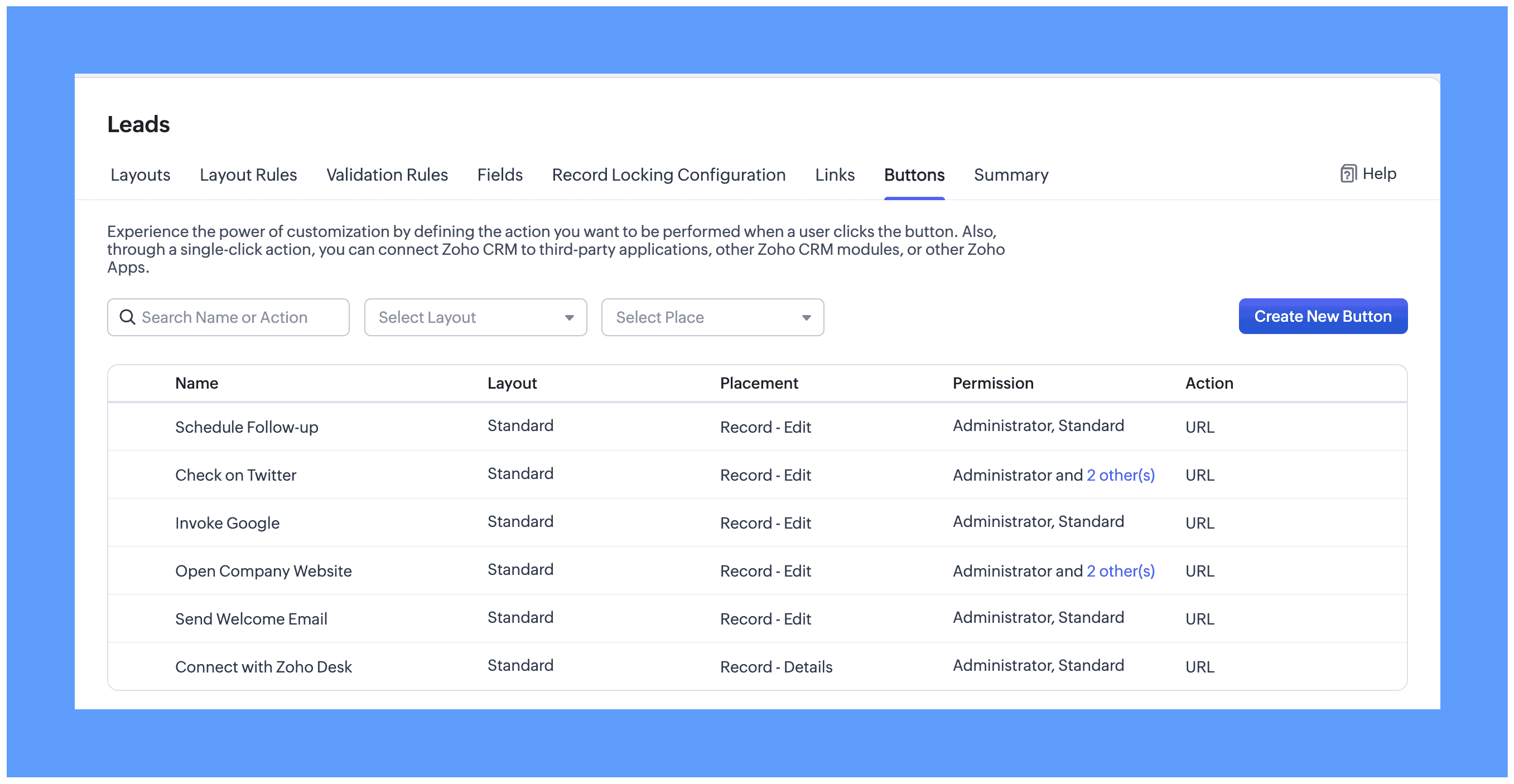
Tuesday, July 14, 2026
Zoho CRM - Custom Button Creation from the Layout Editor
Zoho CRM now lets administrators create and manage custom buttons directly from the layout editor. Buttons on the Records page now follow the order set in the editor and can be pinned.
Get weekly Zoho updates
Zoho CRM is rolling out custom button creation from within the layout editor in phases across data centres, giving administrators a more contextual way to manage buttons.
- Create and manage custom buttons directly from the element palette in the layout editor, without leaving the module builder.
- Add, reorder, and remove buttons while customising a module layout.
- Place custom buttons in the top bar of the Create, Edit, and Details pages inside a record.
- Add a button to the related list header, where it acts as a mass action button that runs on the selected records.
- Find buttons that are not used in a layout under the Unused section.
- Buttons on the Records page now appear in the order set in the layout editor; you can pin buttons and sort the pinned ones, and any previously reordered buttons are converted to pinned buttons automatically.
Availability: Enterprise and Ultimate editions. Rolling out in phases across data centres.
 Zoho CRM