Back to News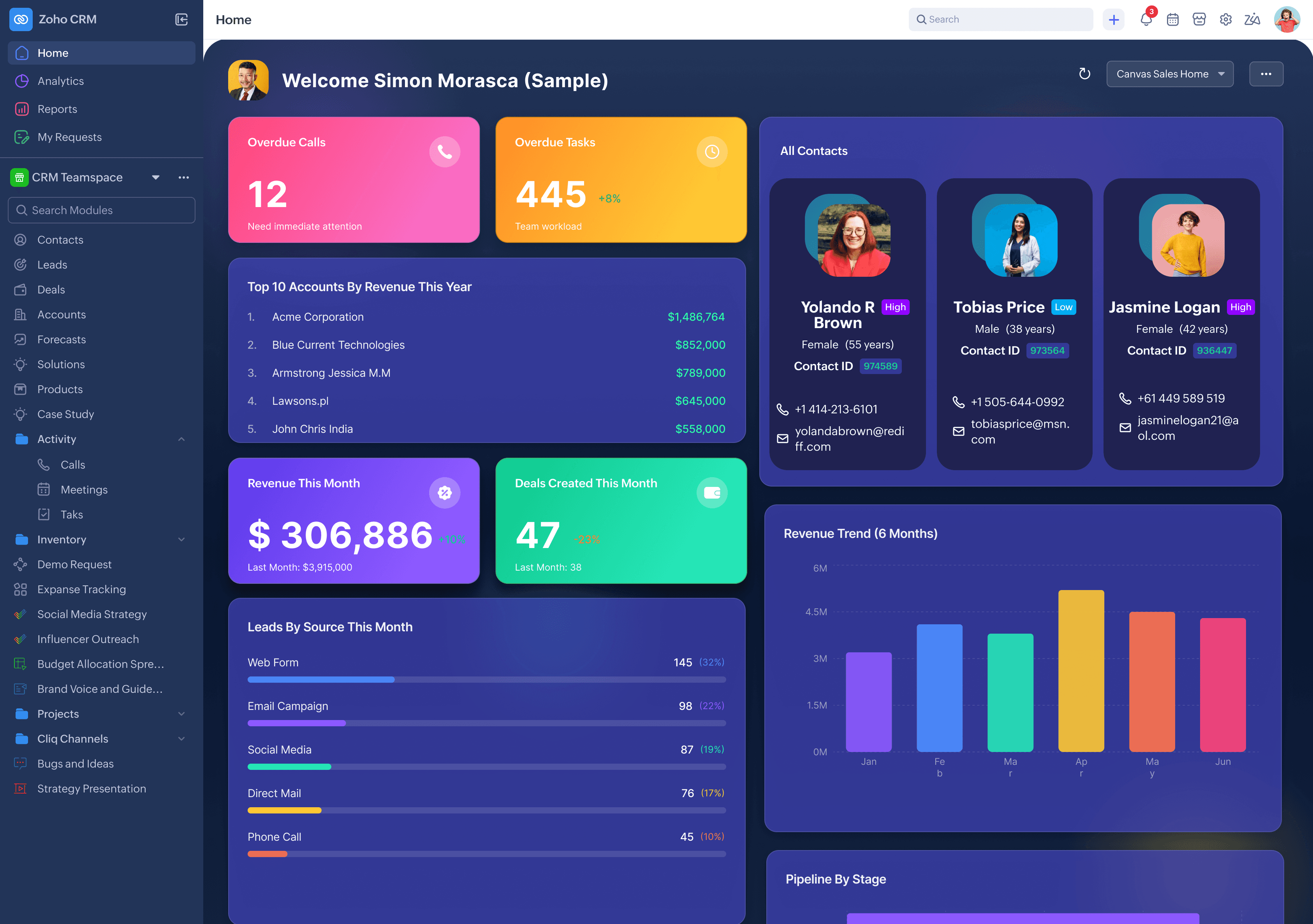
Tuesday, April 7, 2026
Zoho CRM - Custom Homepage Design with Canvas Home View
Zoho CRM now lets you design a fully custom homepage using Canvas with drag-and-drop components. You can build role-based views and share them across users, groups, roles, and territories.
Get weekly Zoho updates
Zoho CRM has introduced Canvas Home View, allowing you to design and customize your CRM homepage using the Canvas builder.
- You can create a custom homepage using drag-and-drop components in the Canvas builder, with no coding required.
- Homepages can be tailored per role, so sales managers, support teams, and marketing teams each see what is most relevant to their daily work.
- Supported components include charts with coloured labels and background colours, mandatory fields, and action buttons for easy navigation.
- You can embed existing Canvas list views (Custom List View, Card or Tile View, and Table View) as custom list view components within your homepage.
- If no Canvas views exist for a module, you can create a new list page directly from the properties section of the Canvas builder.
- You can associate Queries to your Canvas Home View for direct data access within the homepage.
- Completed homepages can be shared with other users, specific groups, roles, profiles, territories, and subordinates.
- A new option lets you create a Canvas Home View directly from the homepage itself.
- Canvas Home View is supported in sandbox, so you can create views in production, copy them to sandbox, make changes, and deploy back.
Availability: Users with Manage Customization permission enabled.
 Zoho CRM