Zoho CRM - Loop Functionality in Kiosk Studio
Kiosk Studio now supports loops, letting you configure an action once and have it repeat automatically across multiple records or a set number of iterations. This removes the need to rebuild flows when the same steps must run many times.
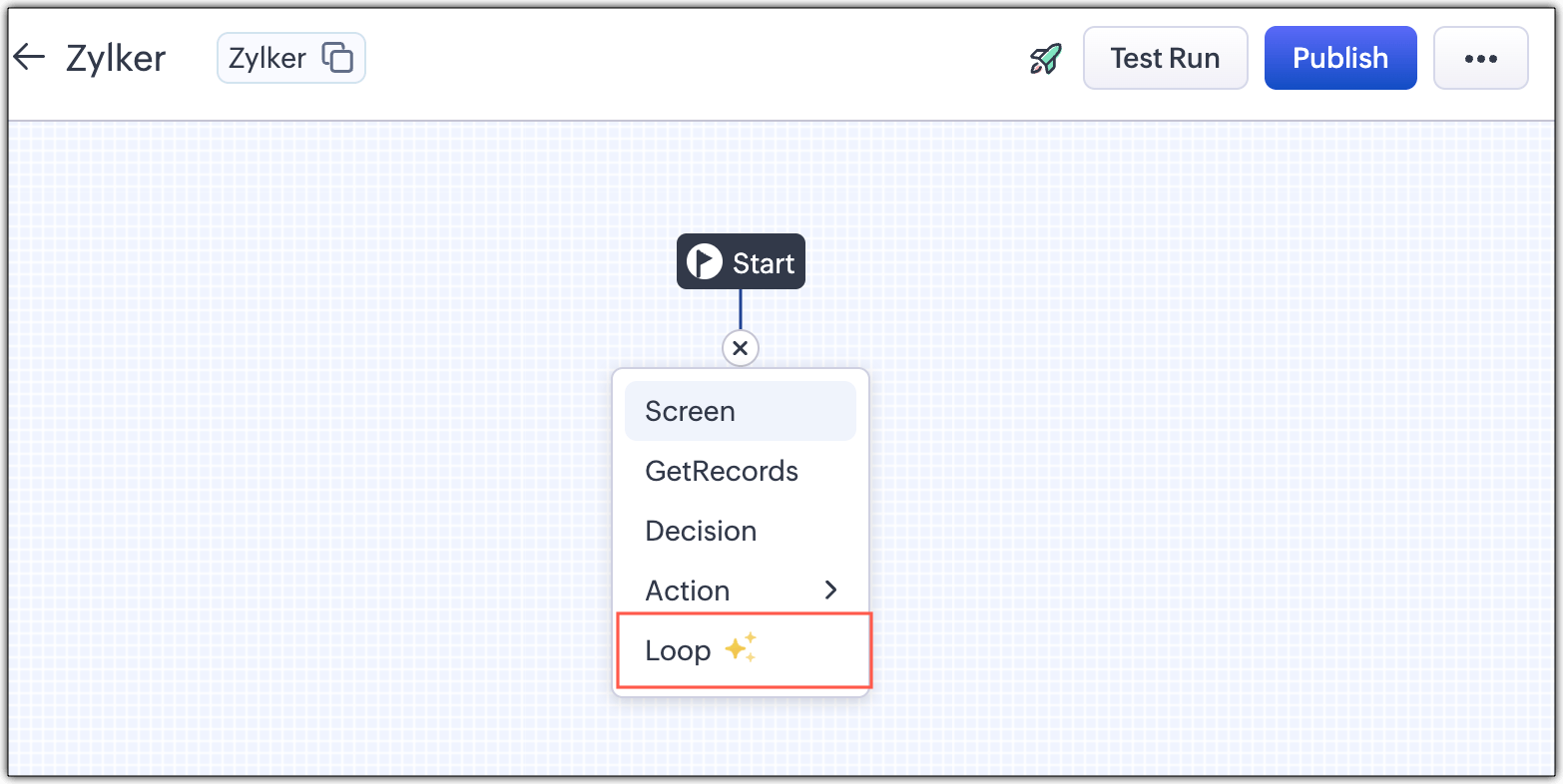
Kiosk Studio in Zoho CRM now supports loop functionality, so you can configure logic once and have Kiosk Studio repeat it automatically instead of rebuilding the flow for each record.
- You can process multiple records automatically within a single flow.
- The same actions, such as updates, approvals, and emails, can run across several records.
- Loops are created by adding a loop connection between two Kiosk elements and defining the stop condition.
- A loop can run once for each record returned by a GetRecords element and stop when all records are processed.
- You can set a maximum iteration count as a static value of up to 100, or base it on field values from previous screens or actions.
- An End Manually button can be added to a screen so users can stop a loop and move to the next step.
- Nested loops are supported up to two levels, for cases such as processing each order and then each item within it.
- Fields configured inside a loop are only accessible within that loop, and records fetched inside a loop stay scoped to it.
- Loop executions, including nested loops, are capped at 100 iterations, and a loop cannot be deleted until its components are removed.
Availability: Standard edition and above; currently live for users of all DCs.
What this means for you
Kiosk Studio lets you build guided, screen-by-screen processes inside the CRM. Loops mean one flow can now process a list of records, such as updating every open deal on an account or sending a follow-up to several contacts, instead of repeating the same flow record by record.
If your team has a repetitive multi-step task that currently happens by hand, it may be a good fit for a kiosk. The cap of 100 iterations keeps it suited to everyday tasks rather than bulk data jobs.
Commentary from the Limitless IT Consultancy team.
 Zoho CRM