Back to News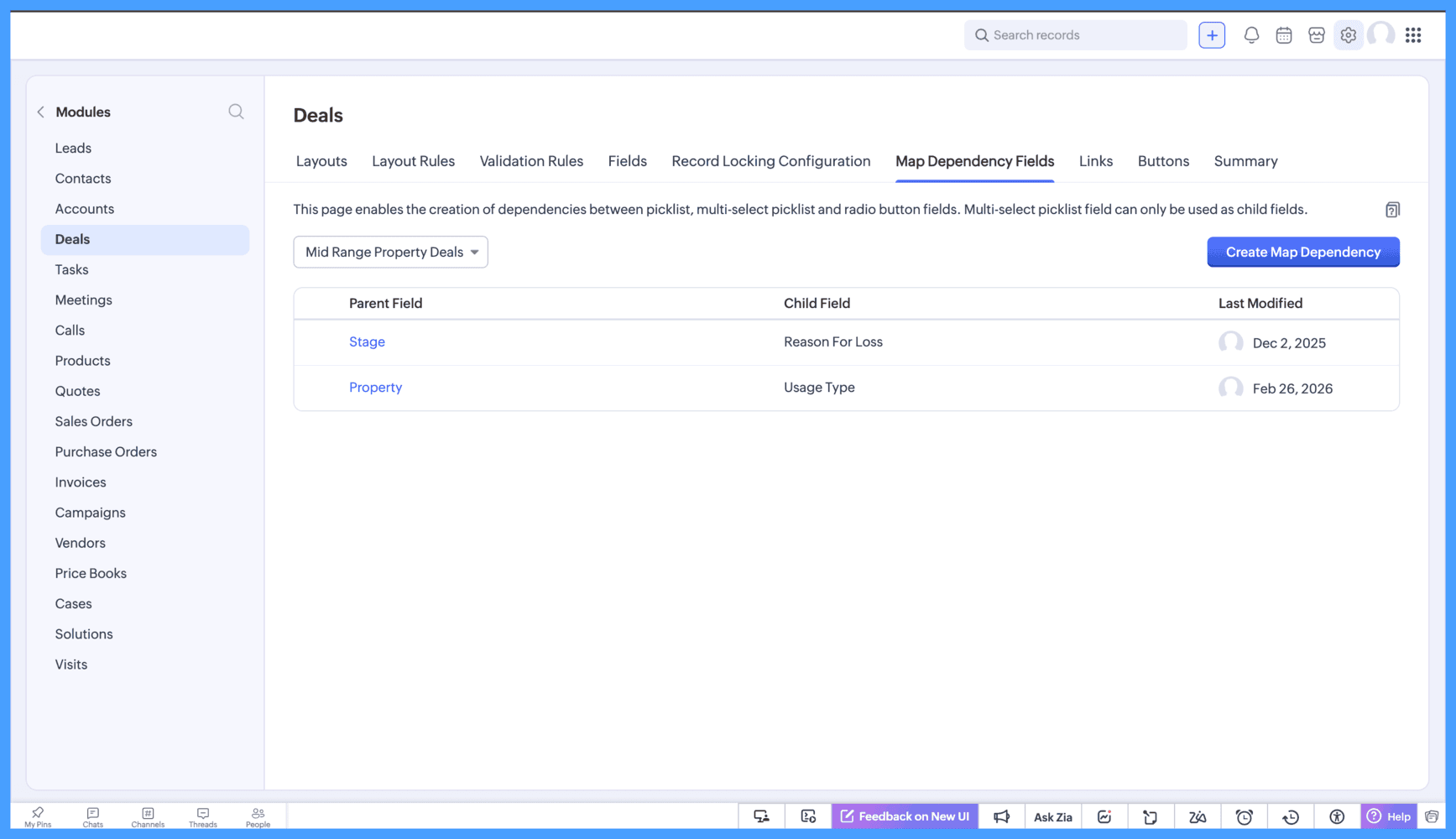
Saturday, April 25, 2026
Zoho CRM - Map Dependency Fields Enhancements
Zoho CRM has improved the Map Dependency Fields setup with easier access, flexible layout selection, and better value selection controls. The update also adds a preview mode and faster field search.
Get weekly Zoho updates
Zoho CRM has introduced a set of enhancements to Map Dependency Fields, making the setup process simpler and more intuitive.
- Map Dependency now appears as a tab on every module configuration page for easier access.
- You can also create a map dependency directly from a picklist field on the layout editor by selecting "Create Map Dependency" from the More Options menu.
- The layout can be selected and changed during map dependency creation without restarting the setup process.
- Fields are now grouped by type when selecting a parent field, and subform fields display the subform name in brackets for clarity.
- Multi-select picklists are supported as child fields.
- For fields with fewer than 50 options, values can be selected from a dropdown or via an Advanced View; for 50 or more options, Advanced View opens by default with a checklist.
- Group selection is now supported in the checklist view: hold Shift and select a range to choose multiple options at once.
- A new preview mode displays all mapped values in one place so you can review mappings before saving.
- A search bar is now available to quickly locate parent fields, removing the need to scroll through long lists.
Availability: Currently available in CA, SA, JP, CN, and UAE data centres.
 Zoho CRM