Back to News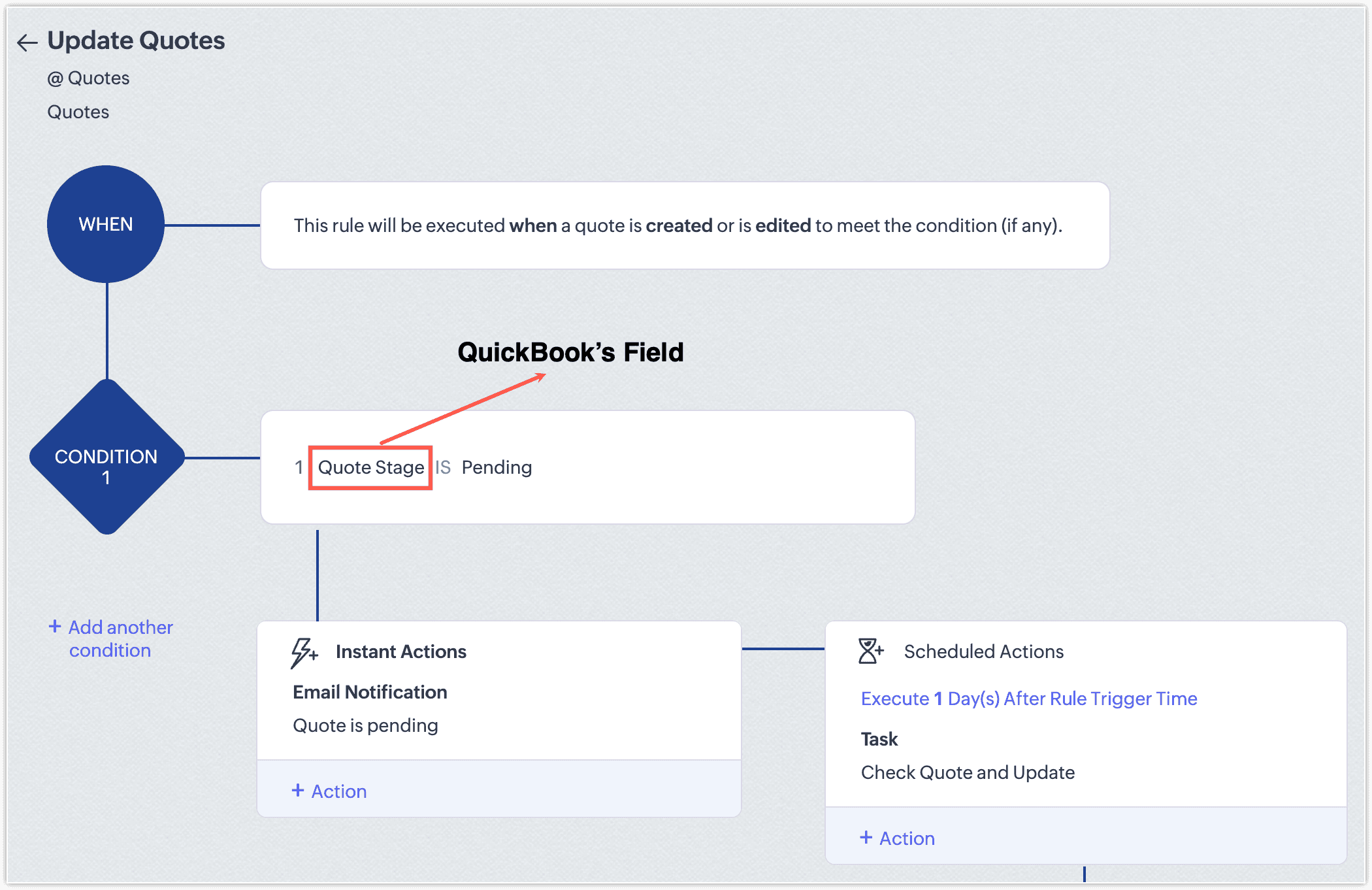
Tuesday, May 12, 2026
Zoho CRM - Native QuickBooks Online Integration
Zoho CRM is rolling out a native integration with QuickBooks Online in phases, syncing core records and surfacing financial documents directly within CRM. Sales teams can view and create estimates, invoices, and purchase orders without leaving CRM, with all synced fields available to workflows and reports.
Get weekly Zoho updates
Zoho CRM is rolling out a native integration with QuickBooks Online in a phased manner, connecting sales and finance through one continuous flow.
- Contacts, Accounts, Vendors, and Products sync two ways between Zoho CRM and QuickBooks Online, keeping customer and product data aligned without manual reconciliation.
- Estimates, Invoices, and Purchase Orders sync one way from QuickBooks into Zoho CRM, where they appear as read-only records.
- View QuickBooks financial documents directly on CRM record detail pages, with a QuickBooks Record Link to open the corresponding record in QuickBooks when needed.
- Synced fields are available across CRM workflows, blueprints, reports, and notifications, so you can automate actions around financial events like invoice status changes, estimate acceptance, or overdue payments.
- Create estimates, invoices, and purchase orders from CRM: clicking the action redirects you to QuickBooks, the record is saved there, and the result syncs back into CRM as a locked record. Subsequent edits must be made in QuickBooks.
- Install the integration from Marketplace, Integrations, QuickBooks, Install, then authorise your QuickBooks company, choose the CRM modules to sync, set sync direction, and map fields. You can create new CRM fields directly from the mapping screen.
- Failed sync attempts surface a clear error message indicating why, so issues can be resolved before retrying.
Availability: Enterprise and above editions of Zoho CRM. The integration is currently available at no additional cost; pricing may be introduced in the future. Phased rollout: currently available to users on the AU, CN, JP, and CA data centres, with other data centres to follow.
 Zoho CRM