Zoho CRM - Password-Protected and Plain Text Data Exports
Zoho CRM module exports can now be protected with a password on the ZIP file and stripped of HTML in rich text fields. The Export Data page has also been reorganised into Configure and Preferences sections.
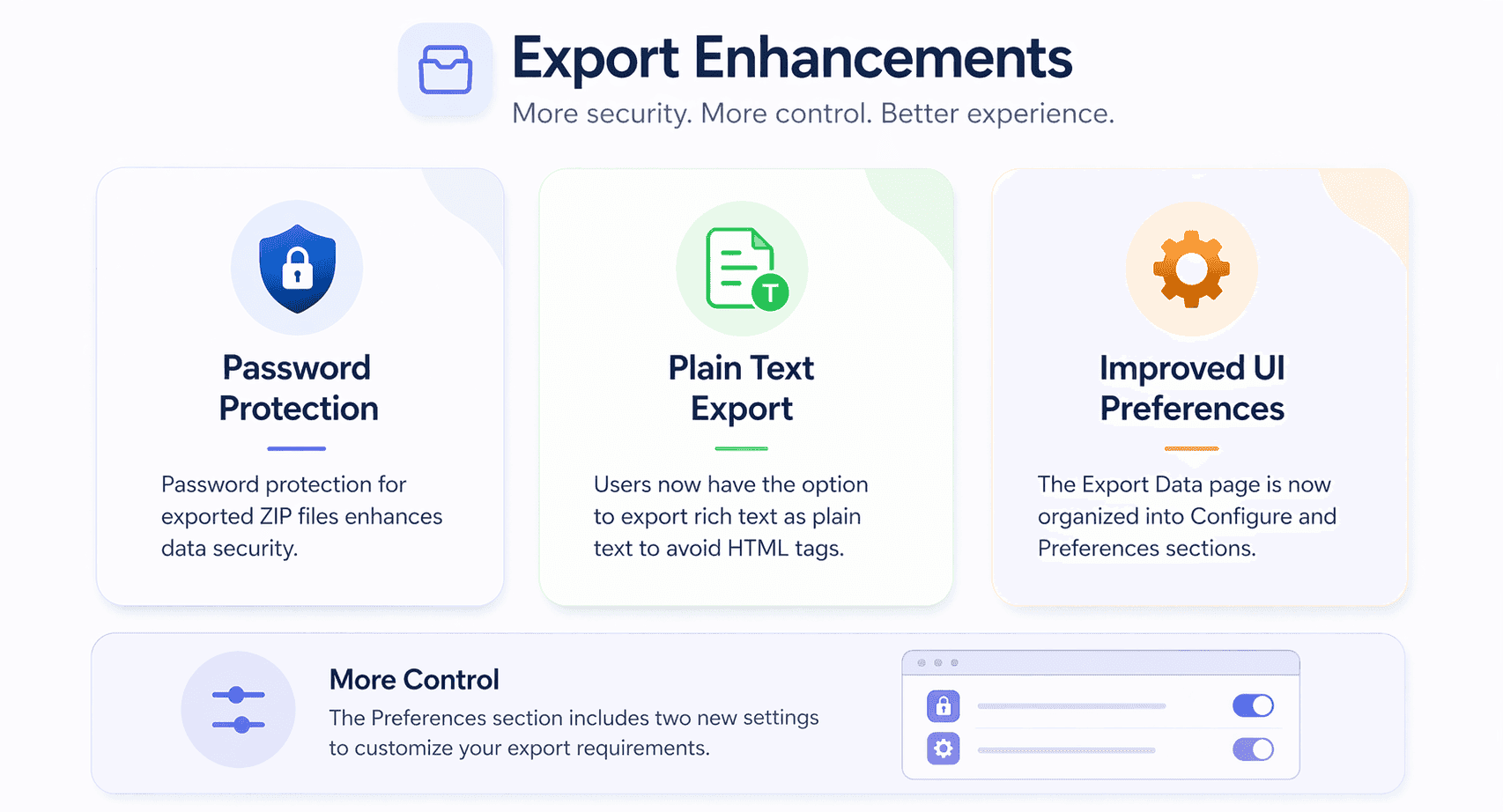
Zoho CRM has added security and formatting options to module data exports, along with a reorganised Export Data page.
- You can set a password on exported ZIP files under the new Preferences section, adding protection during download, storage and sharing.
- Once a password is set, the file archiver prompts for it before the contents can be opened.
- The password protects the ZIP file as a whole and does not individually encrypt the files inside it.
- A Rich Text as Plain Text option strips HTML tags from rich text fields such as notes and multi-line fields, giving a cleaner CSV or XLSX file.
- By default exports still preserve HTML formatting in rich text fields, so the existing behaviour is unchanged unless you switch the option on.
- The Export Data page is now split into two sections, Configure and Preferences.
- The Preferences section appears wherever you export module data, including the list view, the Export Data page and a selected set of records in the list view.
- The Rich Text as Plain Text toggle only appears when at least one record in the module contains rich text formatting.
What this means for you
Password-protected exports are a sensible default for anyone handling customer data. Exports are often the point where data leaves the system and ends up in inboxes or shared drives, so protecting the file helps with GDPR hygiene.
Remember that the password protects the ZIP rather than encrypting each file, so treat it as one layer, not a complete security control. The plain-text option for rich text fields is handy for migrations or analysis where HTML tags get in the way.
Commentary from the Limitless IT Consultancy team.
 Zoho CRM