Back to News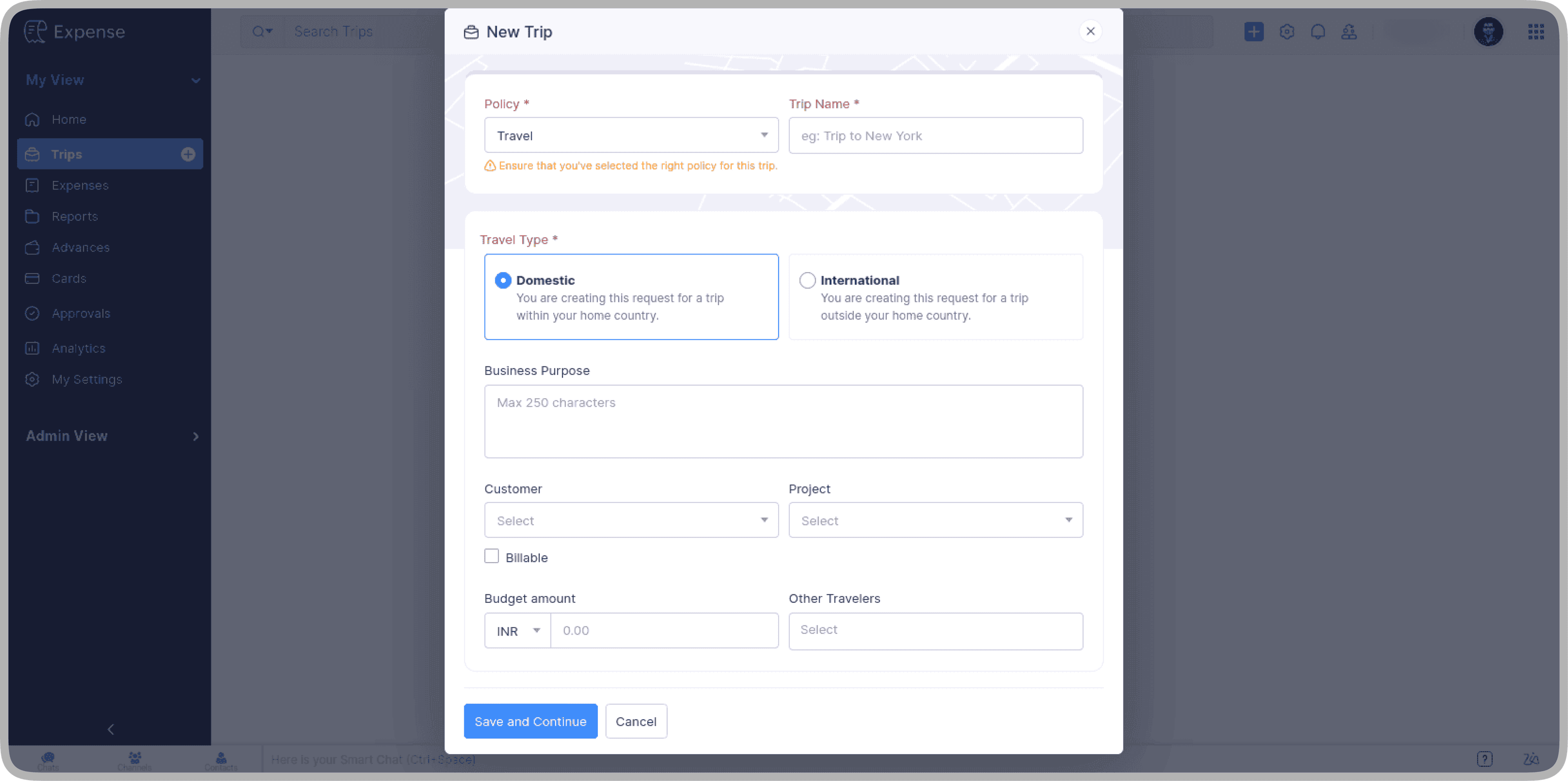
Saturday, July 4, 2026
Zoho Expense - Redesigned Trips Experience
Zoho Expense has redesigned the Trips module with flexible trip creation, a single scrollable itinerary list, and refreshed itinerary cards. Bulk option addition, baggage configuration, and booking confirmations have also been improved.
Get weekly Zoho updates
Zoho Expense has redesigned the Trips module to make trip creation, itinerary management, and booking workflows simpler and more consistent.
- You can now create and save a trip without adding itineraries straight away; itineraries can be added later from the trip's detail screen.
- Dedicated buttons such as Add Flight and Add Hotel now sit directly under the Itinerary tab, replacing the previous dropdown navigation.
- The Edit/Update dropdown has been replaced with an Edit icon.
- A Comments icon on the trip's details page lets you add or view trip-level comments.
- A new History tab, located next to the Advances tab, shows a trip's full activity log.
- All itineraries now appear in a single scrollable list with no tabs to switch between, and you can select any booking to view its details.
- Itinerary cards have been redesigned with inline actions, so booking-level actions such as Edit and Delete are visible directly on the card.
- For flights with multiple segments, all segment details are shown directly on the card.
- Baggage configuration is now split into separate check-in baggage and cabin baggage sections.
- Bulk option addition now pre-fills all selected itineraries rather than only the first one.
- Section headers in bulk addition help you assign flight segments to the correct itinerary.
- GDS selection is now required when using the option parser; if your organisation has a default GDS configured it is prefilled automatically and can be changed at any time.
- The flight segment layout in the option selection modal now matches the design used in the itinerary cards.
- The label for adding booking confirmations is now Add Booking Confirmation across all travel modes, replacing the mixed Add Ticket and Add Booking Confirmation labels.
- Travel agents can now edit selected option details directly while creating a booking confirmation, without going back to update the itinerary.
 Zoho Expense