Back to News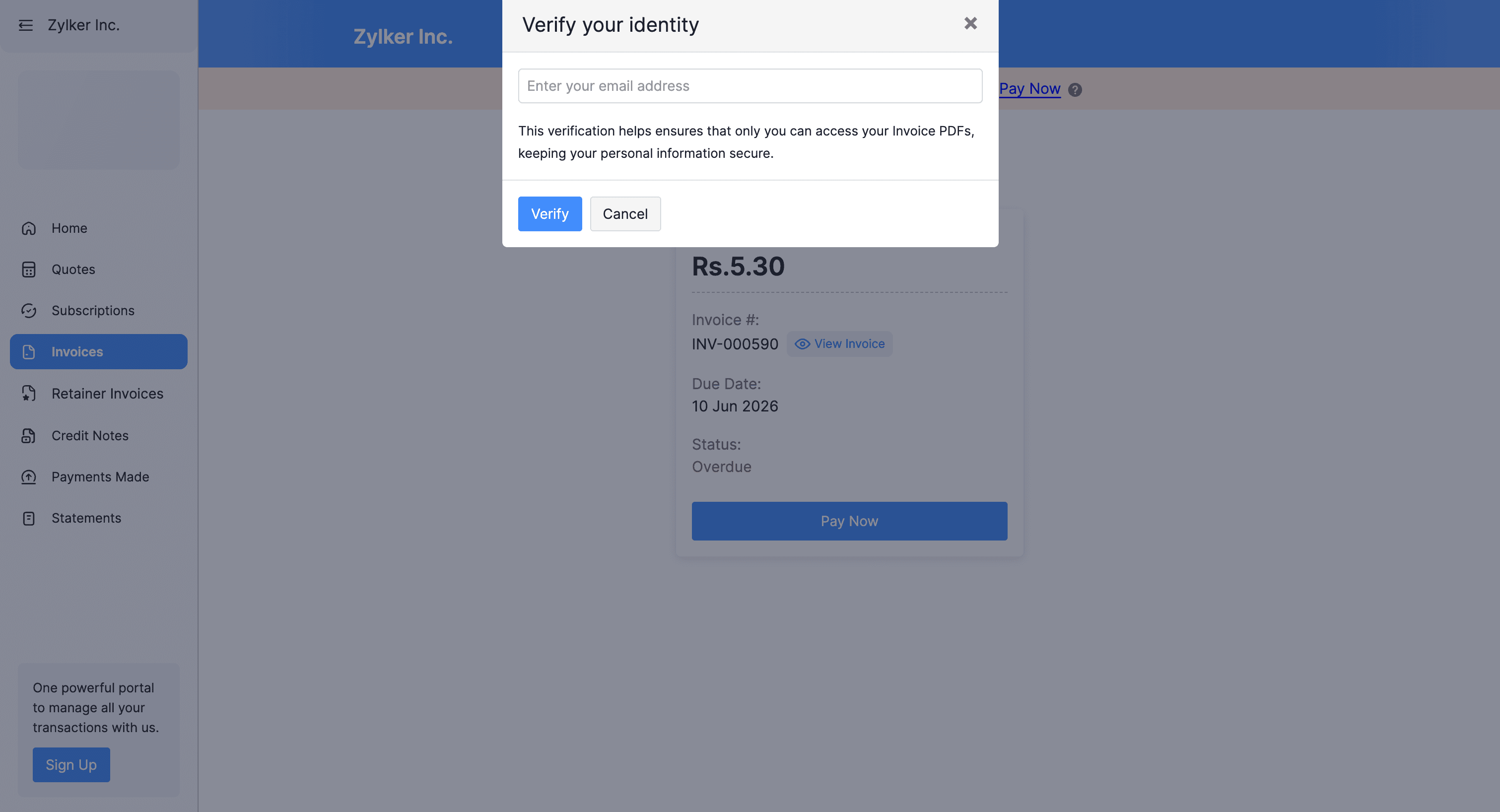
Friday, June 19, 2026
Zoho Invoice - Secure Public Links for Transactions
Zoho Invoice now lets you add an identity verification step to the public links you share for invoices and quotes. Recipients must confirm the email or mobile number registered in Zoho Invoice before seeing full details, and you can enable it from the Customer Portal settings.
Get weekly Zoho updates
Zoho Invoice now offers Secure Public Links, which add an identity verification step to the public links you share for invoices and quotes, so only the intended recipient can view the full details.
- When Secure Public Links is enabled, anyone opening a public link must verify their identity using the email address or mobile number registered in Zoho Invoice before they can view the full document.
- Recipients who are not verified see only the limited actions you allow.
- Pricing, customer information, and payment terms stay visible only to verified recipients, so forwarded links no longer expose your data.
- You can enable it under Settings, then Customer Portal, then General, by turning on Secure Public Links, after which every link you share carries the verification step.
 Zoho Invoice