Zoho Forms - Regex Field for Structured Data Validation
Zoho Forms has added a Regex field that checks entries against a pattern you define and blocks submission until the format matches. It is aimed at structured values such as employee IDs, tax registration numbers and reference codes.
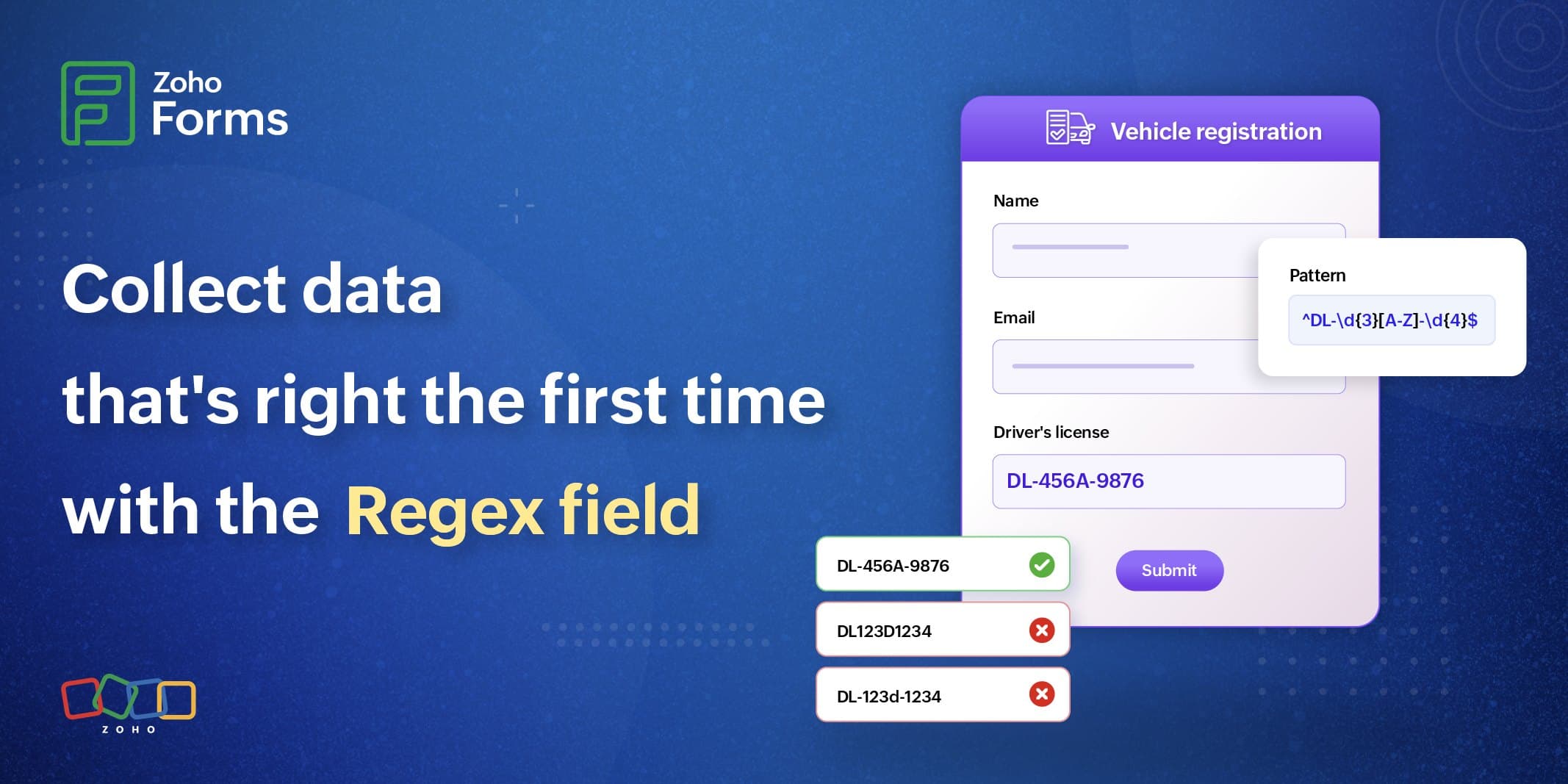
Zoho Forms has added a Regex field that validates what respondents type against a pattern you define, rather than accepting any input like a standard text field.
- If a value does not match the pattern, the field shows a custom validation message and the respondent has to correct it before submitting.
- Validation runs in real time as the respondent types, so formatting problems are caught during completion rather than after the fact.
- You define the pattern, write the error message respondents see, and can optionally add placeholder text showing an example.
- Patterns can be split across several rows and joined with separators, for example three numeric groups divided by hyphens to enforce a fixed identifier format.
- Typical uses include employee IDs, national identification numbers, tax registration numbers, licence numbers, customer reference IDs, membership numbers, internal case numbers and asset or inventory codes.
- A set of preset regex patterns covers common cases, and Zoho has documentation explaining what each regex symbol does.
- The field appears under the Textbox section of the form builder.
What this means for you
Bad data usually enters a CRM through a form. A Regex field lets you enforce formats such as UK postcodes, account numbers or reference codes as people type, so records arrive clean instead of being fixed later.
Use it sparingly on public forms: strict validation on the wrong field frustrates people and loses submissions. Pair it with form analytics so you can see whether a new rule is causing people to drop off.
Commentary from the Limitless IT Consultancy team.
 Zoho Forms