Back to News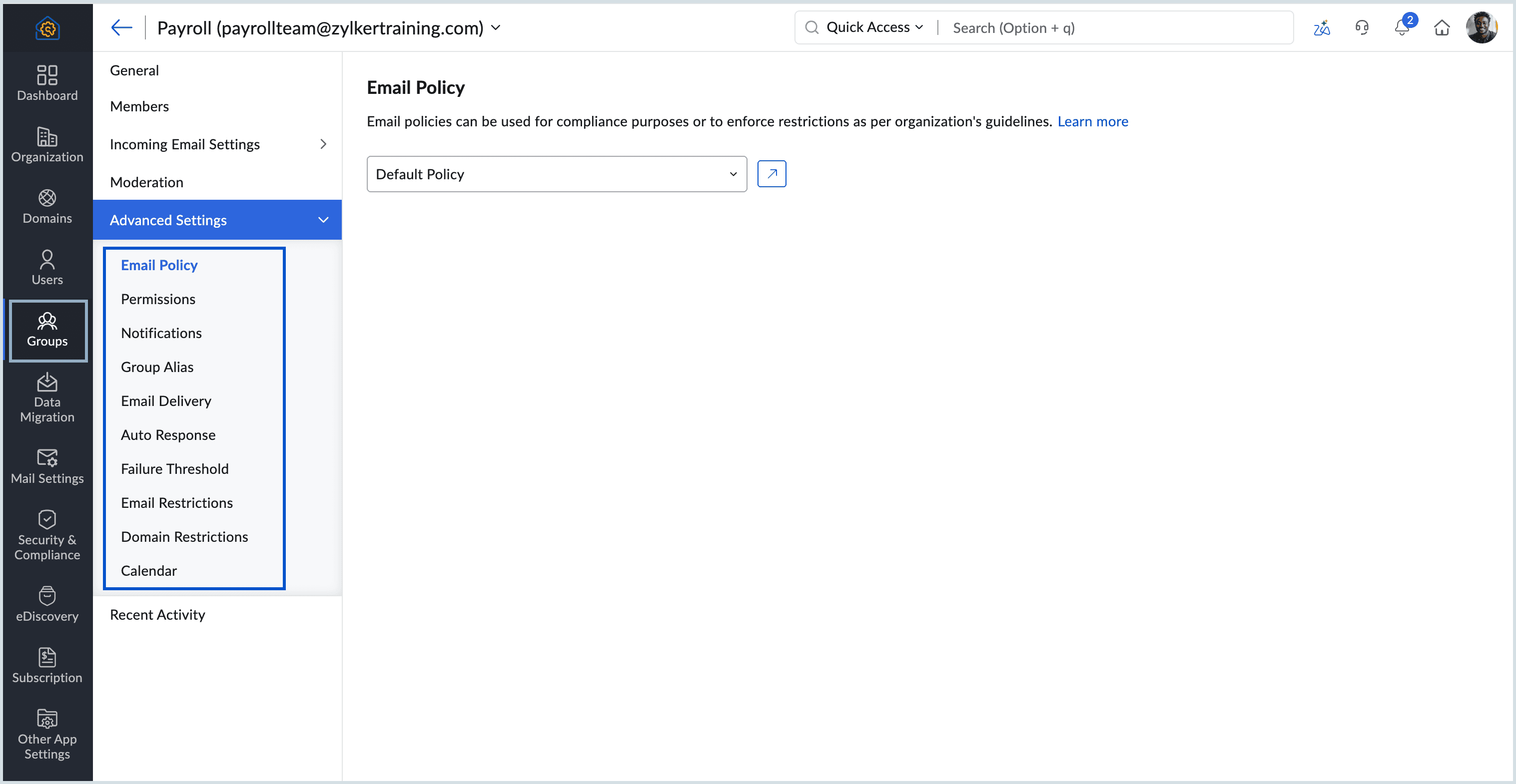
Friday, July 17, 2026
Zoho Mail - Advanced Group Settings
Zoho Mail's Advanced Group Settings give administrators a dedicated section to control how each email group sends, receives, and responds to email. Controls cover permissions, notifications, auto responses, failure thresholds, and address-level restrictions.
Get weekly Zoho updates
Zoho Mail's Advanced Group Settings give administrators a dedicated configuration section for each email group, controlling how the group sends, receives, and responds to email.
- Permissions let you control who can send email to the group and define the action taken when unauthorised senders attempt to reach it.
- Notifications can alert moderators when emails are held for moderation, approved, or rejected, and notifications for member additions or deletions can be suppressed.
- Auto response templates can be set based on whether the sender is an organisation member or external, and whether they belong to the group.
- A failure threshold between 1 and 100 can be set so that emails to a member are skipped once their address bounces beyond the limit.
- Email restrictions let you add specific addresses and set whether email from them is allowed, held for approval, or rejected.
You can access these from the Zoho Mail Admin Console under Groups, by selecting a group and opening the Advanced Settings section.
 Zoho Mail