Back to News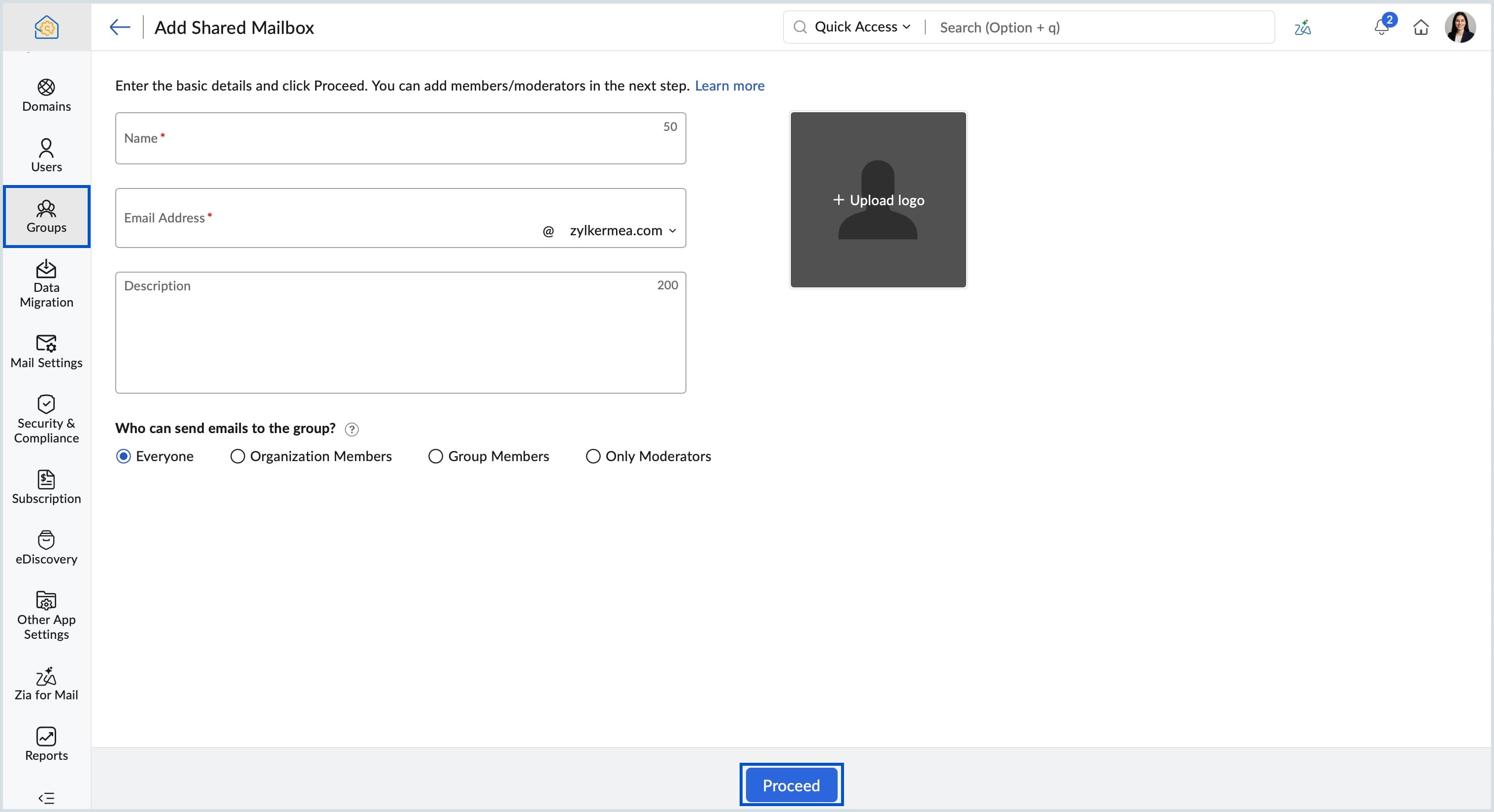
Saturday, July 4, 2026
Zoho Mail - Shared Mailbox for Team Email Management
Zoho Mail has introduced Shared Mailbox in the Admin Console, giving teams one central space to manage email sent to a common address. Members see the same messages without duplication, with configurable access levels, moderator roles, and bulk export.
Get weekly Zoho updates
Zoho Mail has introduced Shared Mailbox in the Admin Console, a centralised email space where a team can manage messages sent to a common address such as support@, info@, or billing@.
- Emails sent to the shared address appear in a dedicated shared space visible to all members, rather than being duplicated in each member's individual inbox as with a Distribution List.
- Admins can control who can send emails to the mailbox with four access levels: Everyone, Organisation Members, Group Members, or Only Moderators.
- Specific members can be assigned as Moderators to oversee email flow and handle moderation for restricted groups.
- Incoming and outgoing permissions for a shared mailbox can be temporarily blocked and re-enabled with a single click.
- All shared mailboxes can be bulk exported, with or without member details and with optional password encryption, which is useful for audits, backups, or organisation-wide reviews.
- Shared mailboxes are created from the Admin Console under Groups, where you can set the name, address, access level, and members, adding users individually or all at once.
 Zoho Mail